Texts to your team: alerts, managers and drivers
Who gets work texts from Callonia, and the box that confirms each person agreed.
What your team gets
- The alerts phone (Pickup & delivery > Your team): every new order and any message the AI takes.
- Managers on shift (Phone number > Managers): messages the AI takes when nobody can take a transferred call.
- Your own drivers: the address, customer phone and a map link when they take a delivery.
- Security alerts: for example a locked manager PIN or a kitchen screen that went offline.
Every text ends with “Callonia alerts. Reply STOP to opt out.”
Confirm each person agreed
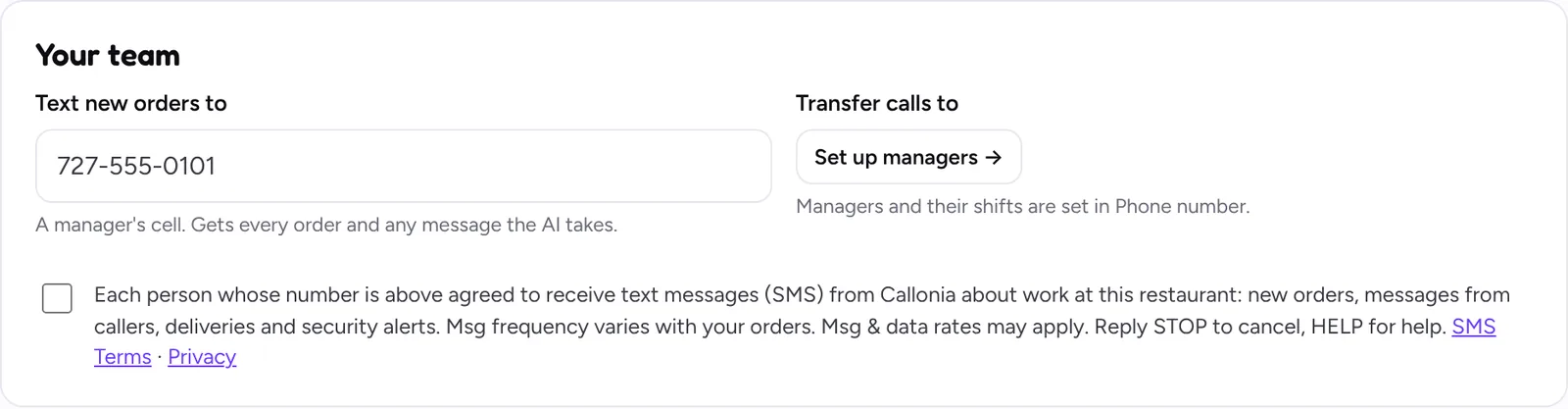
US carriers require that every person agrees to get these texts. When you add a new phone number, tick the box below the numbers before saving. A new number can’t be saved without it, and we record when you confirmed.
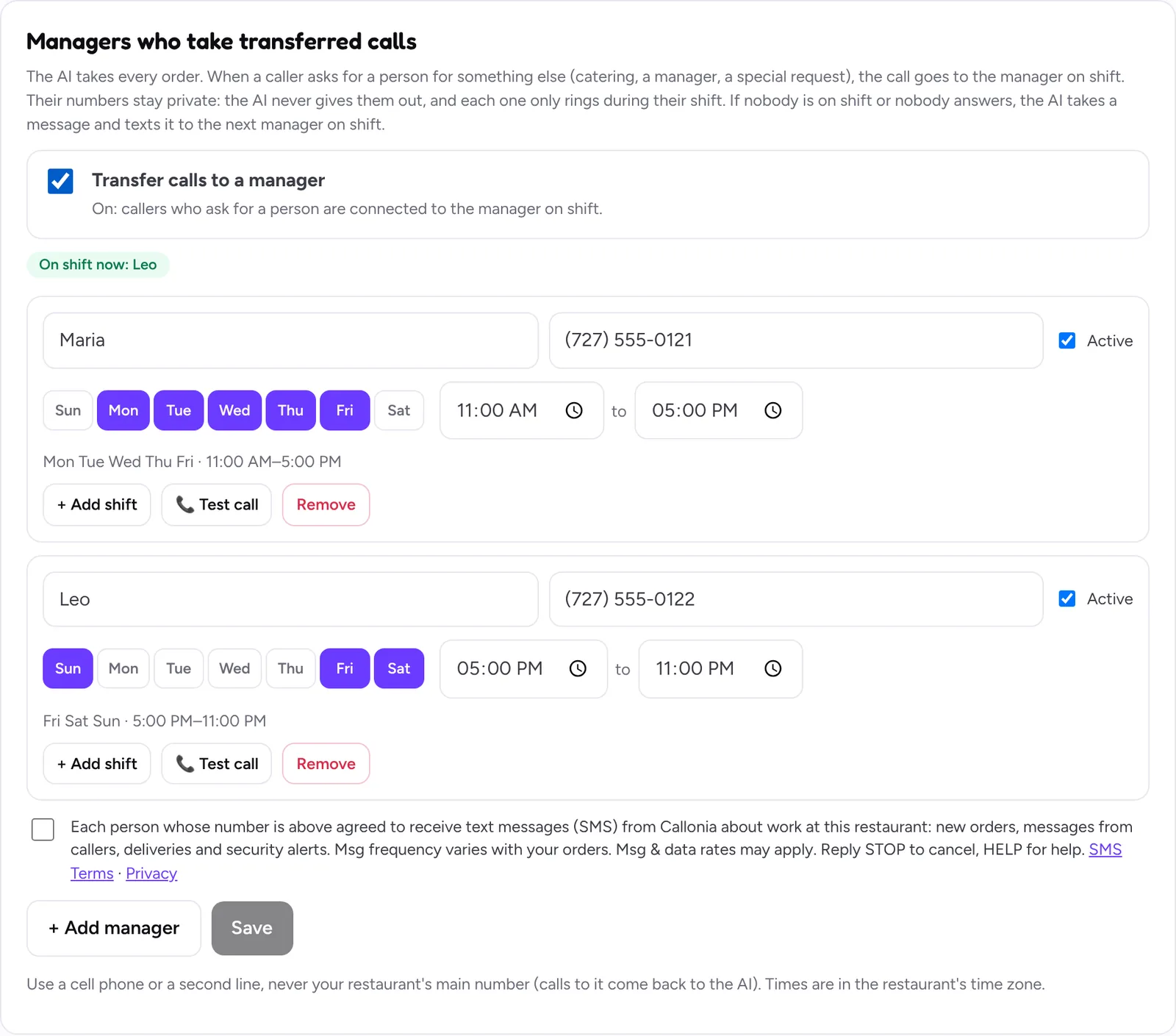
The same box appears under your managers:
If someone replies STOP
That phone stops getting Callonia texts right away. To get them again, that person replies START to the same number. Use another person’s cell if needed.
Still stuck? Write to [email protected] with your restaurant name and we’ll get back to you.